From Figma to code: the decisions behind the Finalv1 site
Leal built the Finalv1 site in code from Jason McCall's finished Figma file, instead of in Framer, and it went live twelve days after the yes. The studio pays no monthly platform fee, owns everything and publishes on its own, and the site follows the design on every screen.
Published · 3 min read
In short
- A finished Figma file can go live in code in under two weeks.
- In code, the site, the CMS and the hosting belong to the client, with no monthly platform fee.
- On a portfolio, the layout adapts to the work, and no image is cropped.
- The studio publishes new projects on its own, and the site updates by itself.
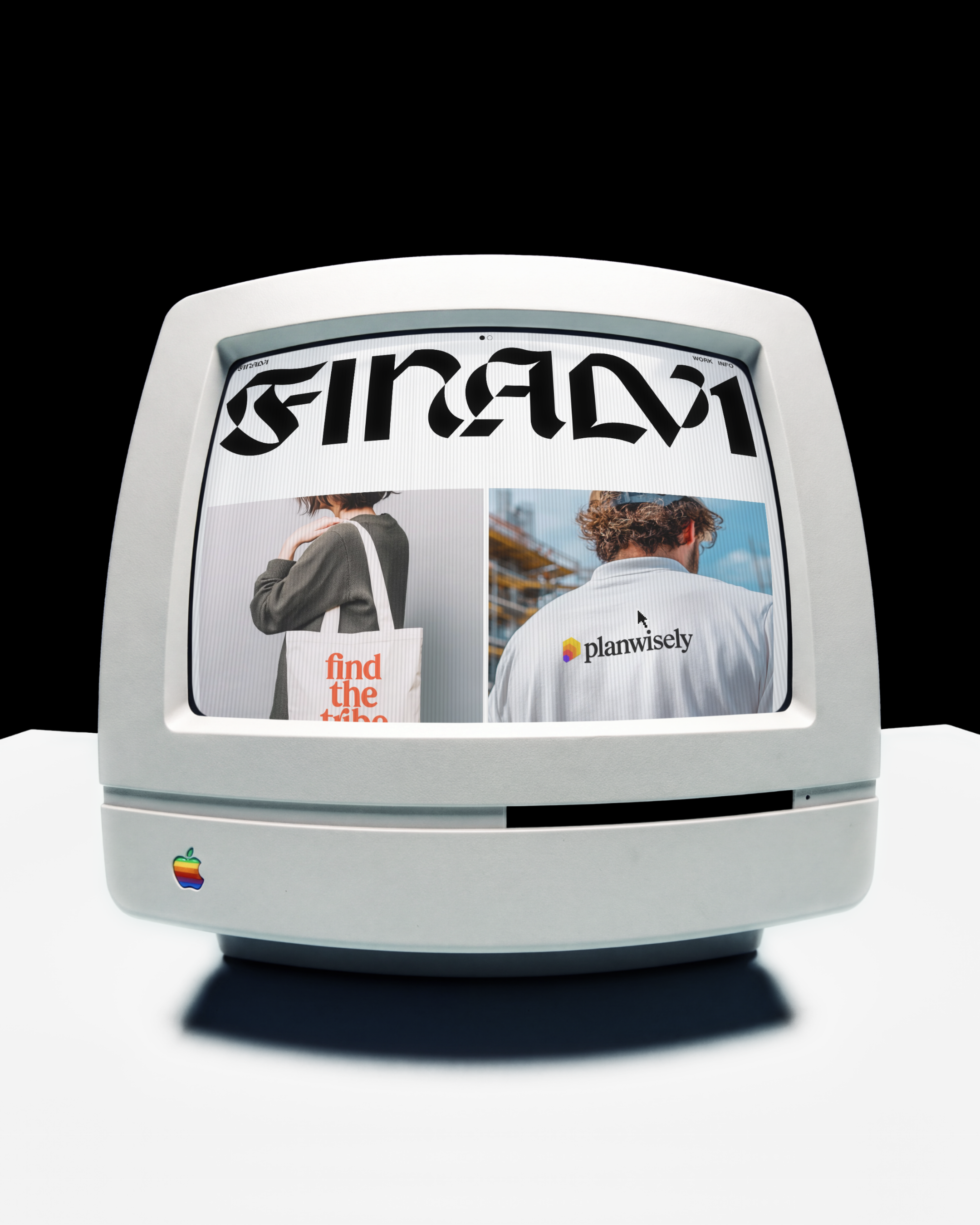
Jason McCall runs Finalv1, a brand design studio whose clients include Dribbble, R/GA and Baskin Robbins. He came to us with the new site already designed in Figma, with the motion described in comments on the file. The plan was to build it in Framer.
Code instead of Framer
We suggested code instead. A site builder charges every month for as long as the site exists, and the site only lives inside it. In code, the site, the CMS and the hosting are all in the studio's name, with nothing to rent. It went from yes to live in twelve days.
The old site ran on WordPress, and every project kept its address, so the links that were already out there kept working on the new site.
The design, exactly as drawn
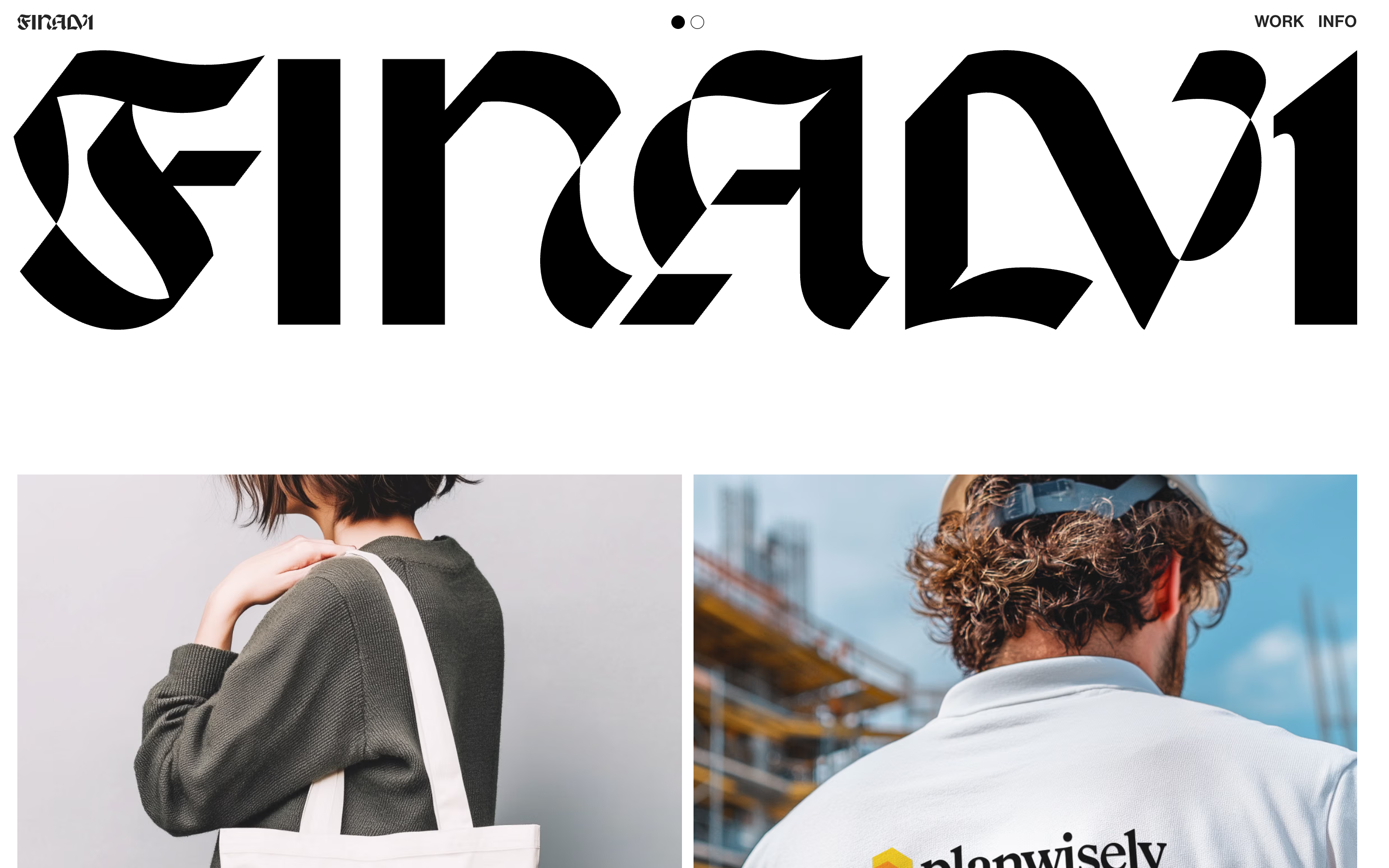
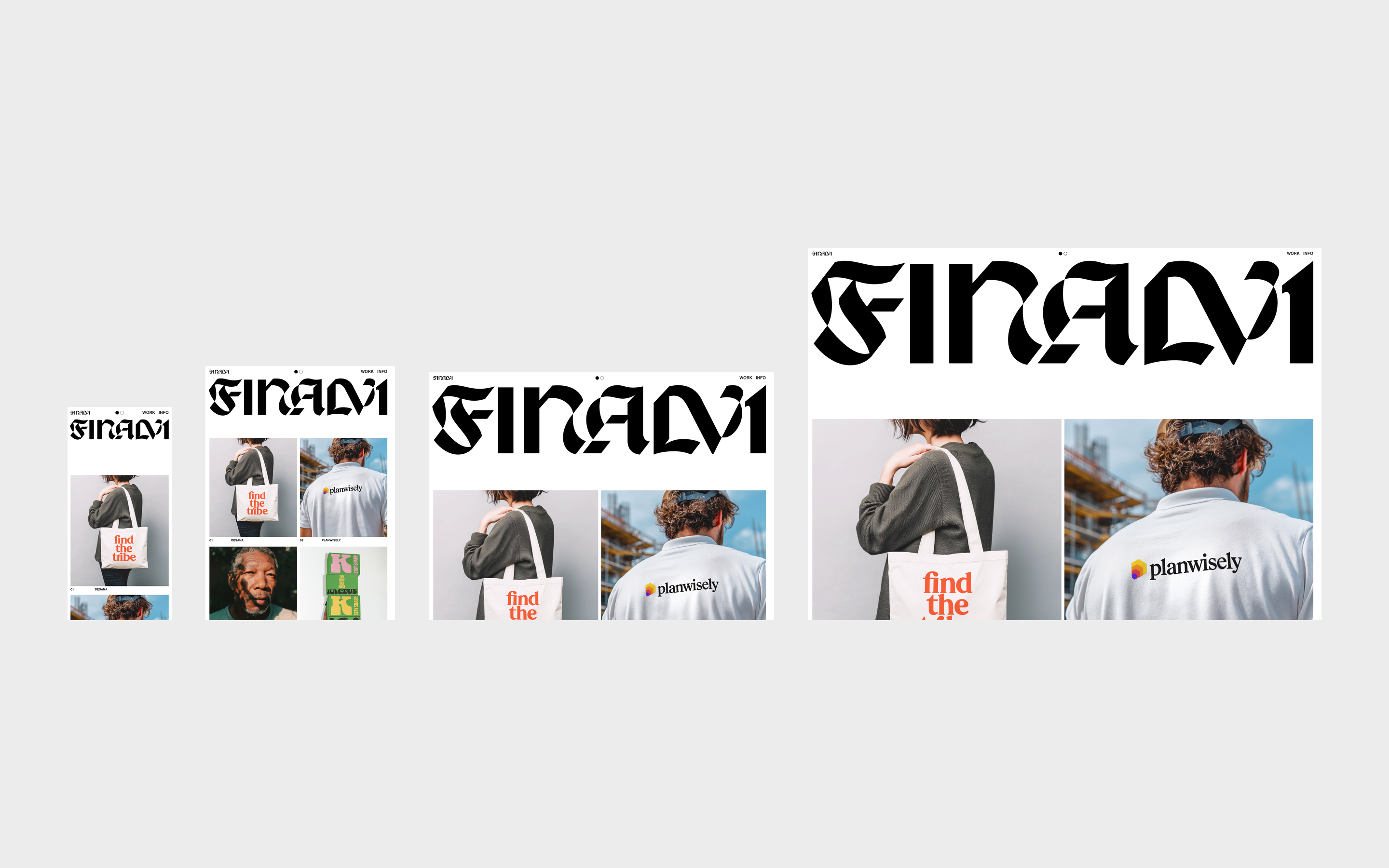
Jason's file had the site drawn for four screens: phone, tablet, laptop and large monitor. The site matches each of them exactly and adapts smoothly in between, so no screen falls into a gap the design never covered.
The big type grows with the screen. The small text, like labels and menus, keeps a comfortable reading size everywhere.
Light and dark
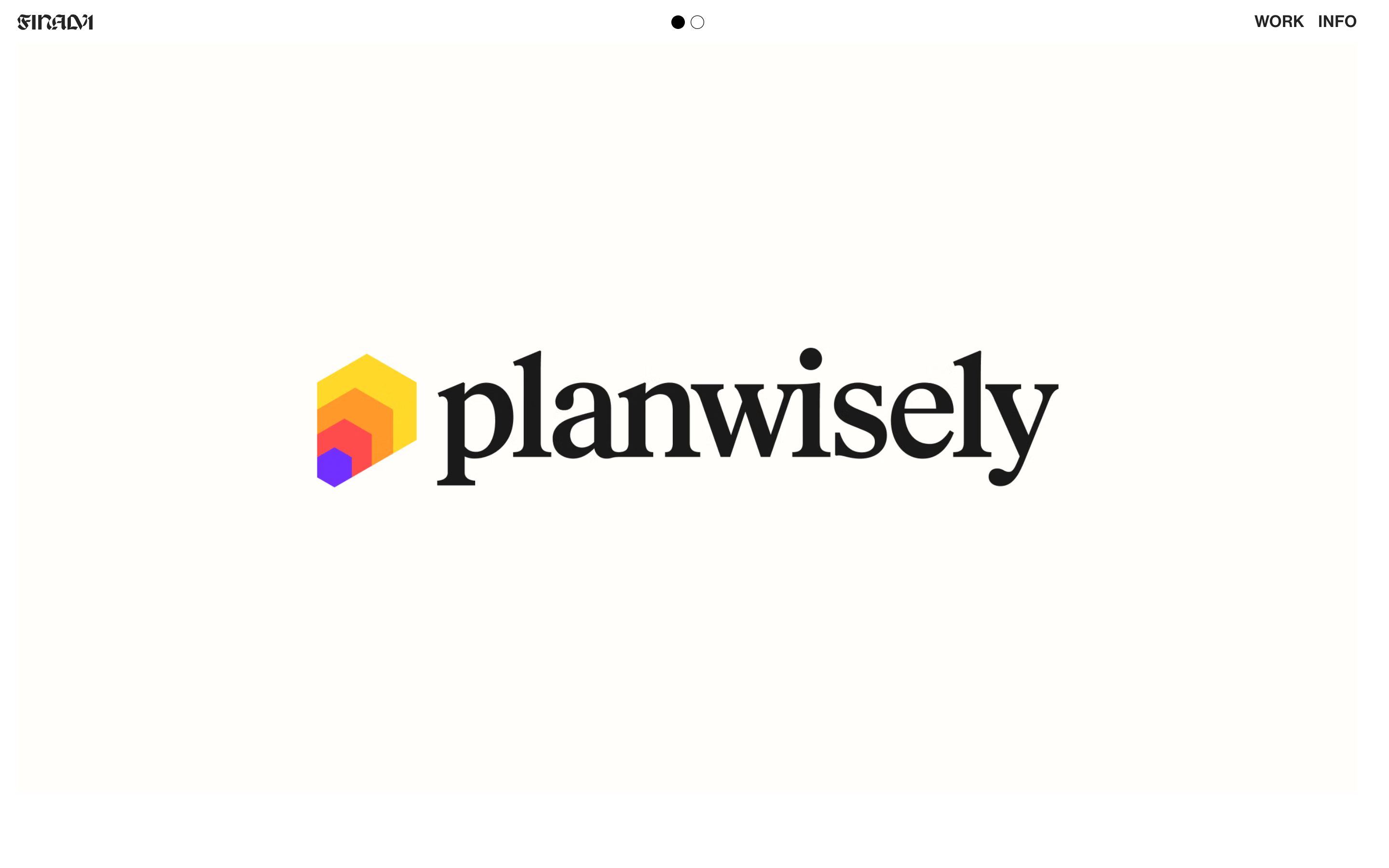
Two small dots at the top switch the whole site between light and dark. The colours and the dots change together, in one smooth move, and the site remembers the choice on the next visit.
An opening that carries into the site
Jason designed the opening as an animation, and it was rebuilt from it frame by frame: a line of light opens, the F rises and leaves through the top, and the site comes in already moving, with no pause in between.
It plays once, on the first visit, and it never keeps anyone waiting: on a slow connection the site comes in anyway.
The work is never cropped
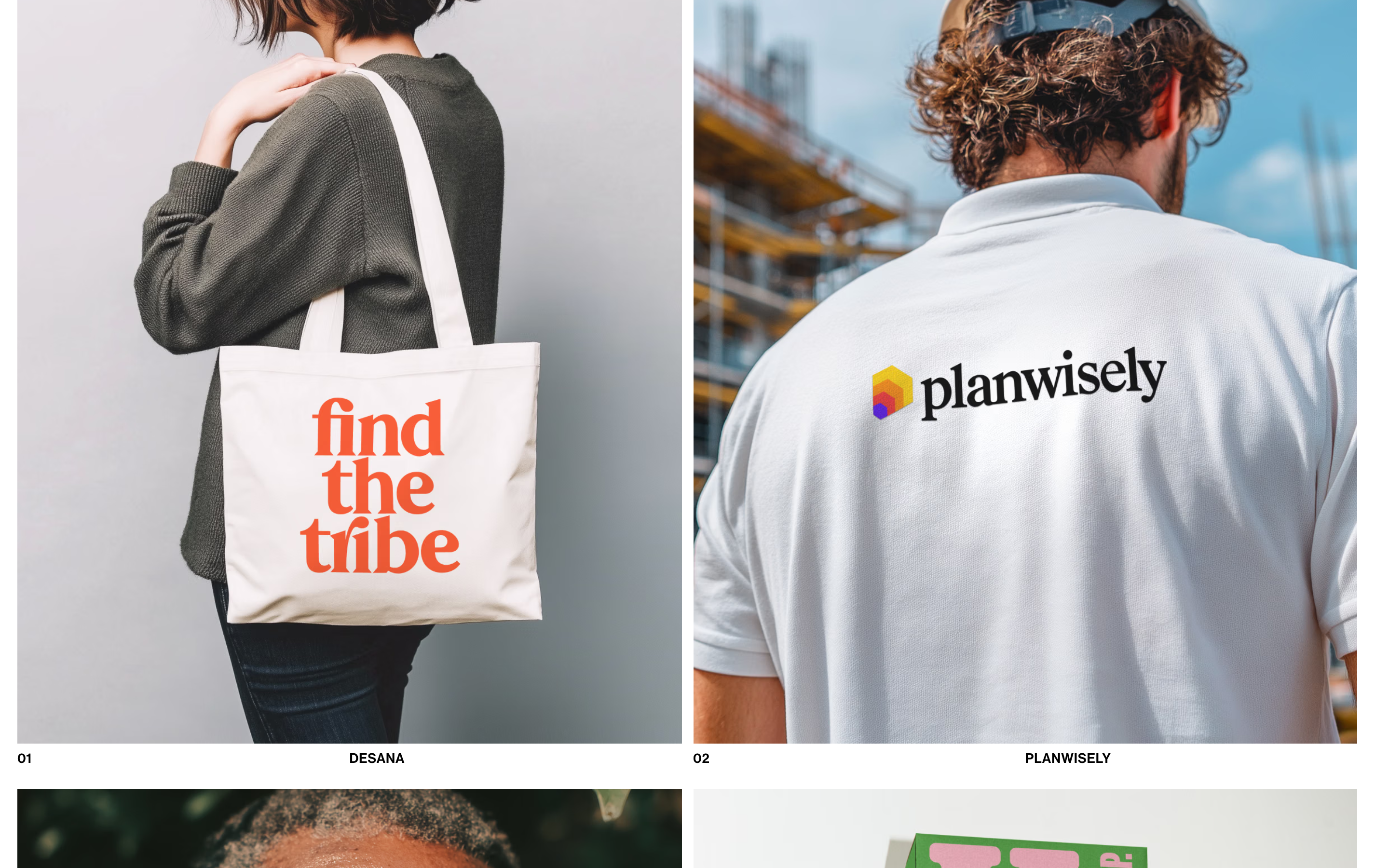
On a portfolio, the work comes first. Instead of forcing every project into the same box, each one takes the shape of its own image, and videos follow the same rule. Nothing the studio made gets cut to fit the layout.
Light and fast
Images are sent in the lightest format each browser accepts, at the size the screen actually needs, and only when they are about to appear. Pointing at a project already starts loading its page, so the first photo is usually there by the time it opens.
Jason publishes on his own
Projects, images and text come from a simple panel. When Jason publishes, the site updates by itself within a few minutes, and the panel shows when the change is live. If an update would break the site, it simply does not go out.
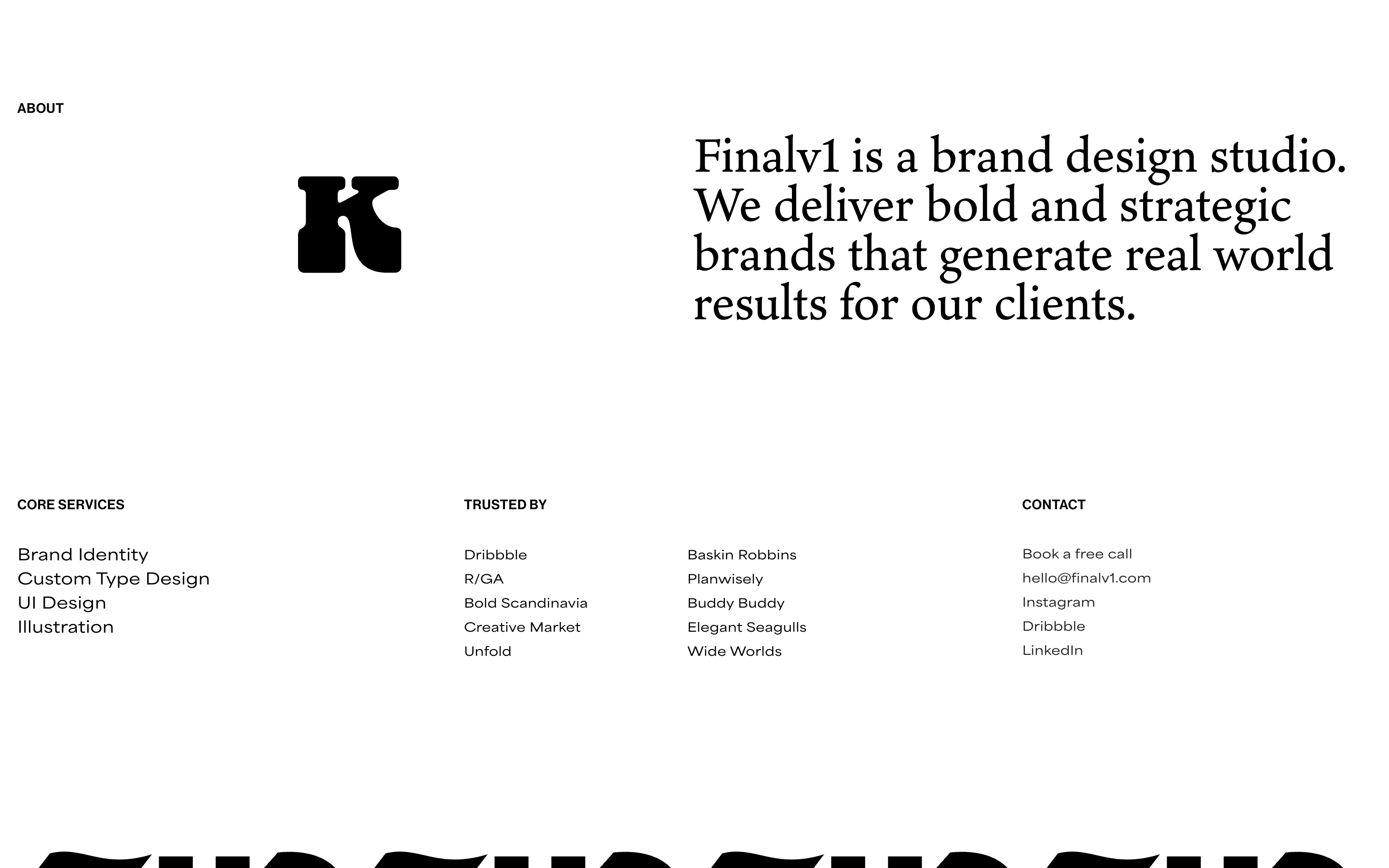
Even the icon in the About section is his to change. Each one is uploaded once, and the site adapts it to the dark theme on its own.
Astro on the front end, Sanity as the CMS, GSAP and Lenis for motion. Design by Finalv1.
What we measured
- Days from the approved proposal to the site going live
- 12 days
- Dates of the proposal approval (17 September 2026) and of the launch at finalv1.com (29 September 2026).
Work behind this
- Finalv1 · A clean frame for bold brands.